Hi,
First of all I want to say this is unoffical, Its made for my buisness, and for my use case, but would like to share with others, as it can be useful. And yes AI has been used, with short review of code, for me it does not matter as it is our internal tool, its only on admin side.
For me, there is never enough backups, I keep my enhance on proxmox, replicate it every 5 minutes to other proxmox, and on that I use Enhance backup and Garage S3 over many different locations in my country.
It's made to solve 3 problems for us:
- It Injects button in Enhance Interface, so stuff can easily acess it.
- Specific configurable retention policy for S3, separate from Enhance Backup Server.
- Lower disk usage on our S3, as its incremental, not full tar file like default S3 option.
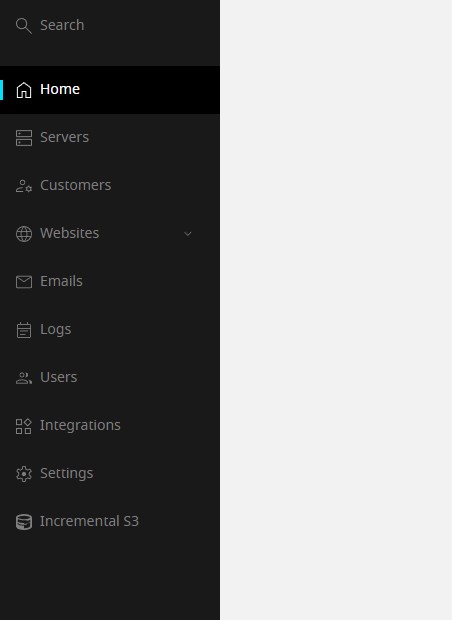
Importnant thing is that it only works if you alredy use Enhance Backup server, as it just copys enhance incremental backup to your S3 with "nice" configurable interface.
Each time your Enhance makes backup to enhance backup server, they will be also transfered to your S3.
Github: https://github.com/eXperienceGroup/enhance-incremental-s3
Before use, review code, test etc...
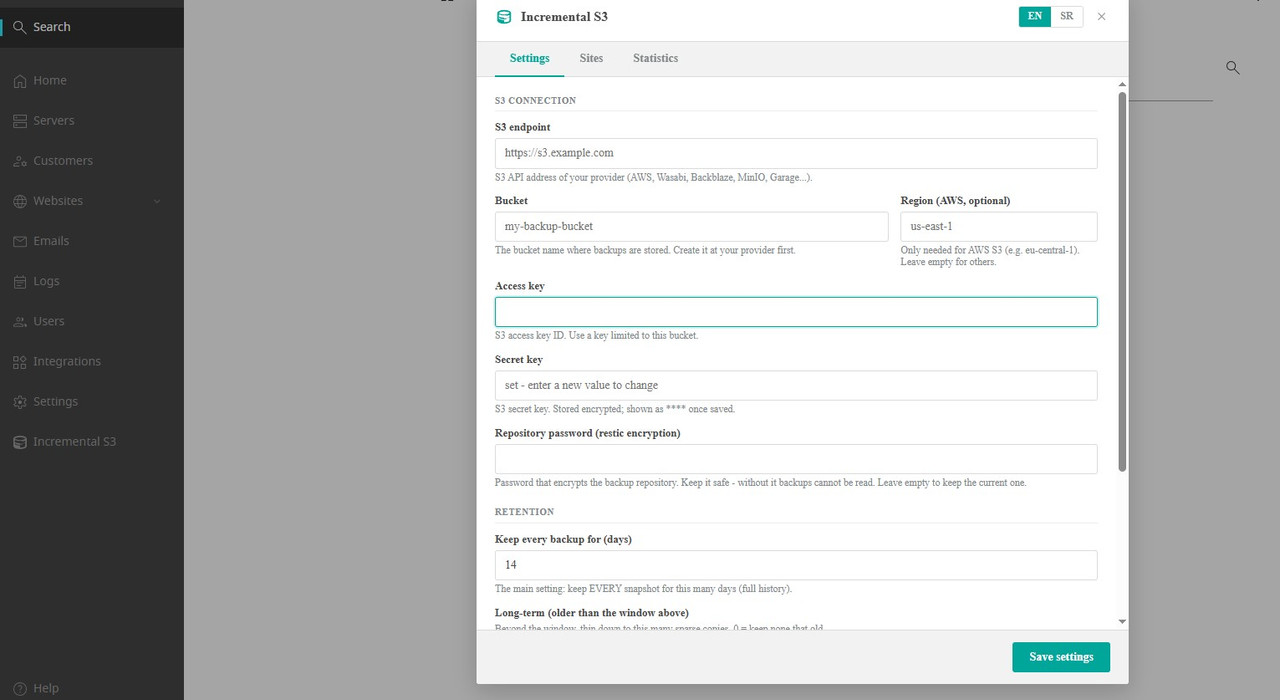
Known bug: If you want to download whole website from S3 backup, and it's couple of gigs, download will fail while geting packed to tar file. Works only for smaller websites, but still not so importnant as you have per file download and access to your S3 anyway.e. Use Browse to download individual files or folders (reliable), or access your S3 repository with restic directly.
